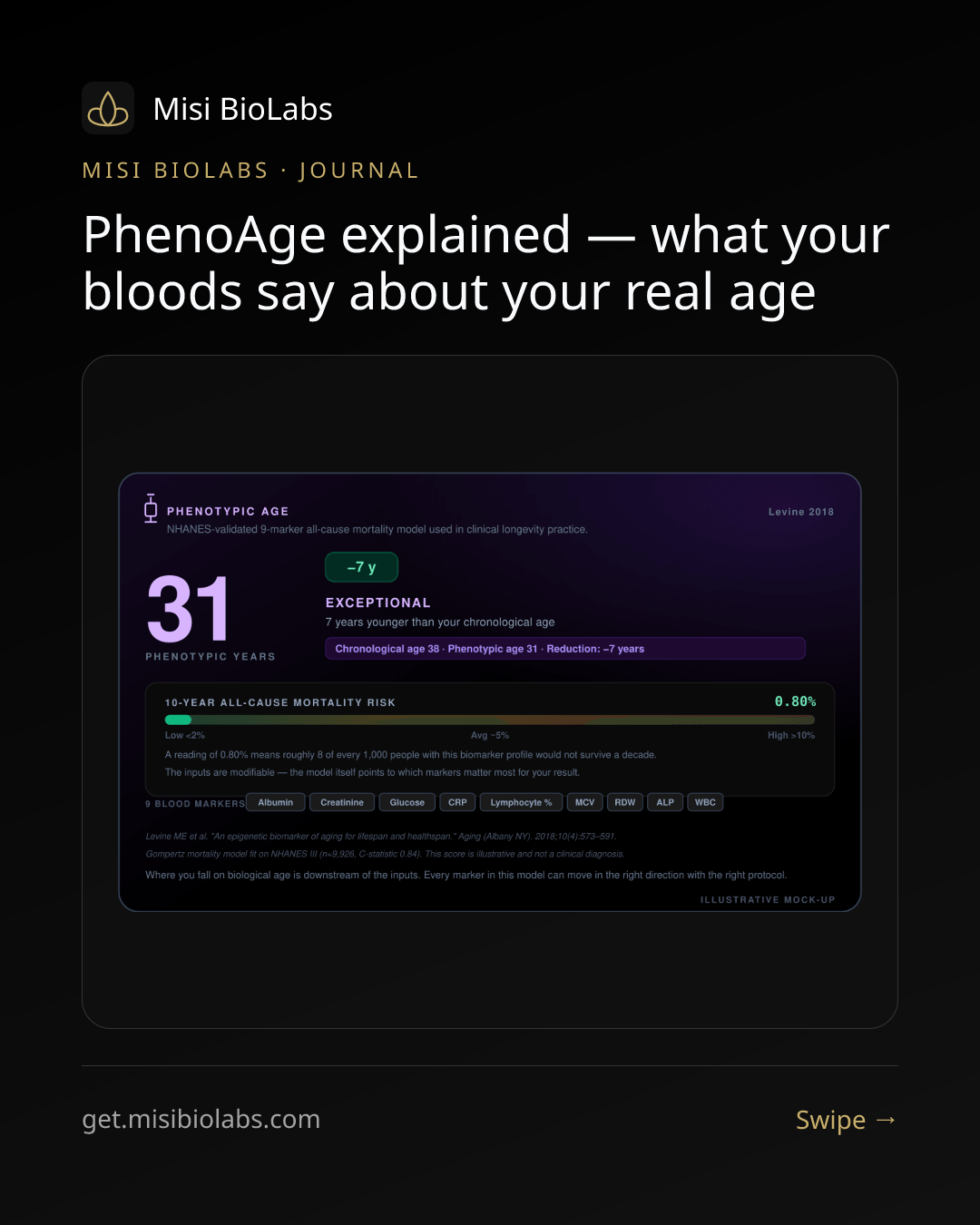
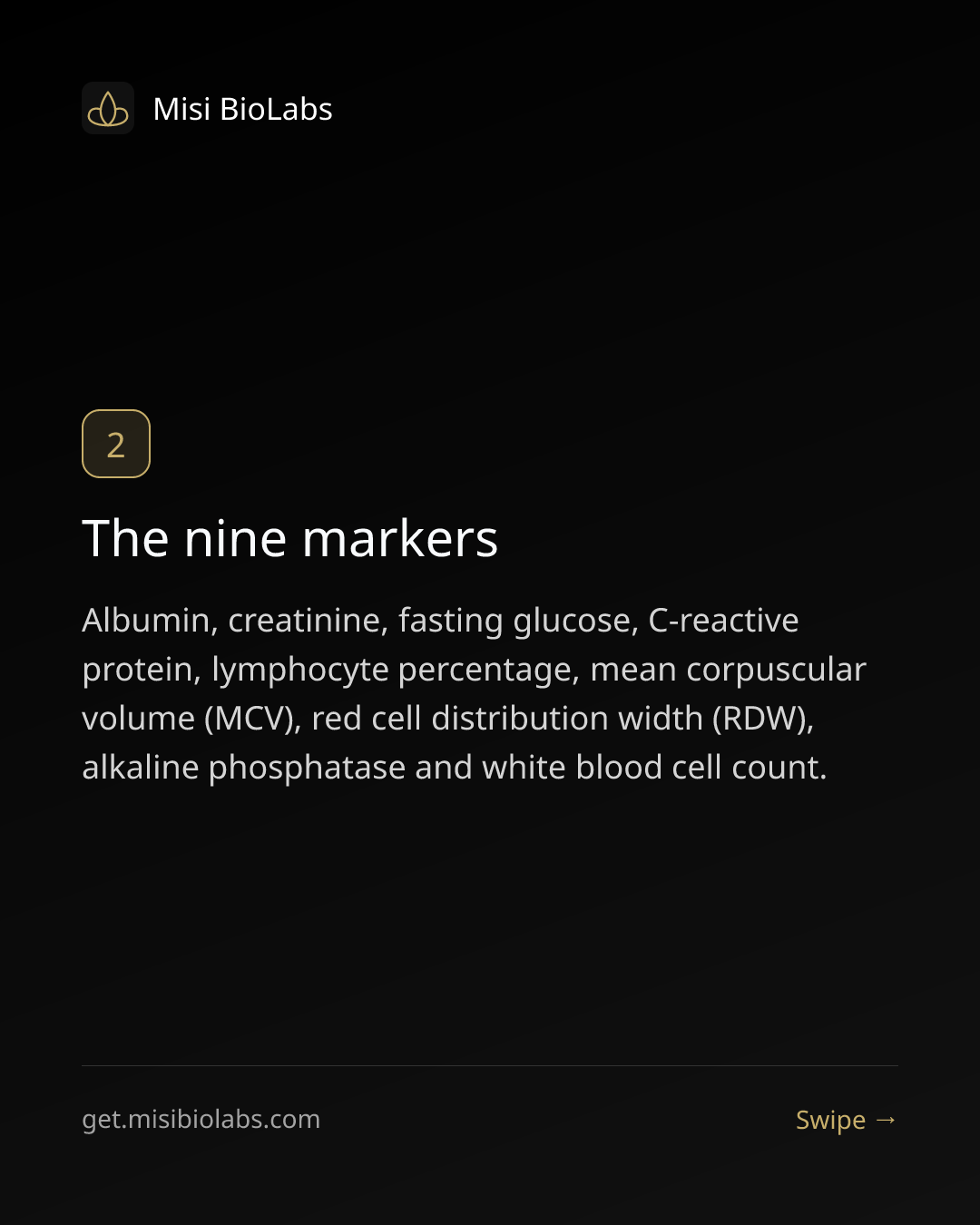
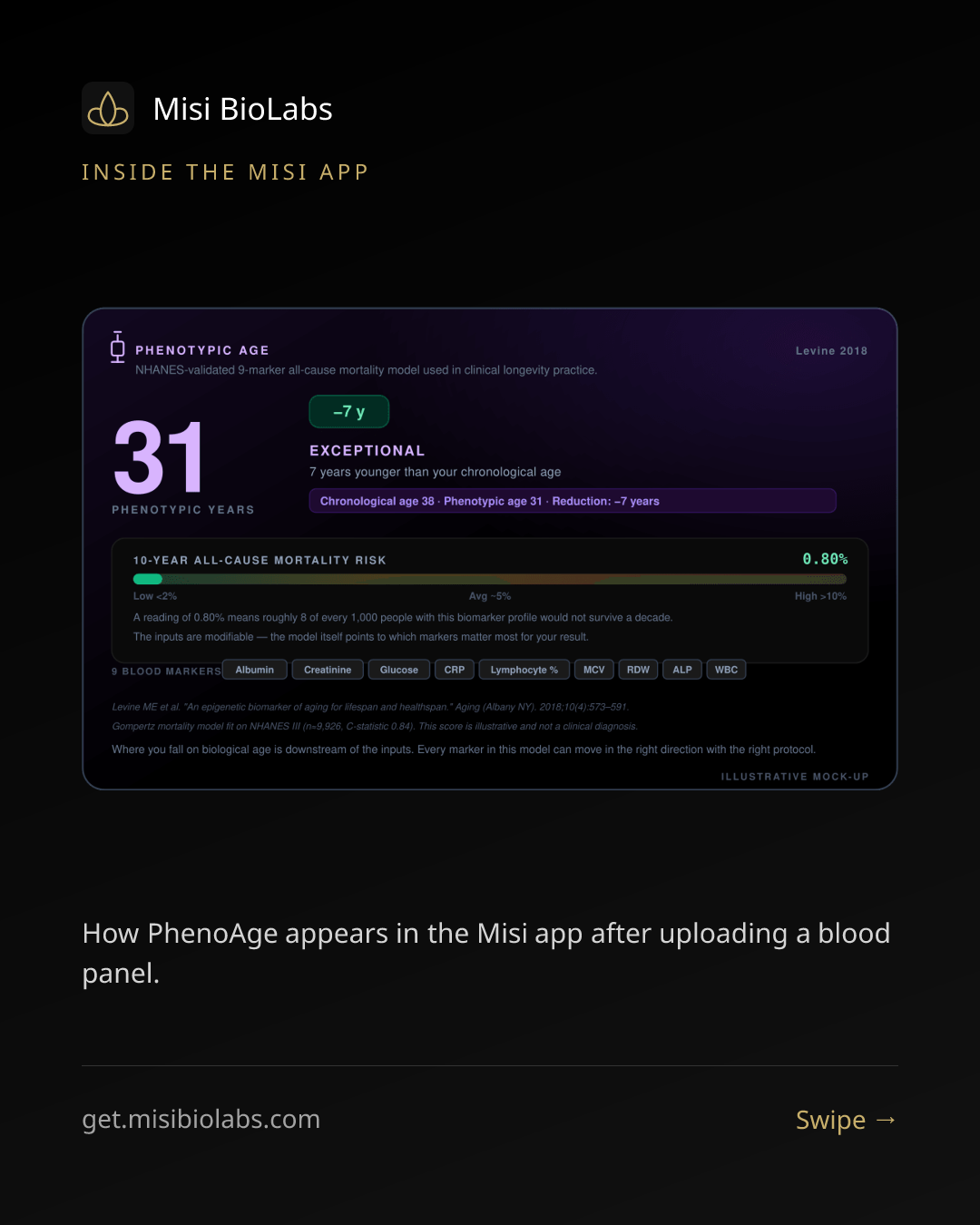
10 ready-made slides for “PhenoAge explained — what your bloods say about your real age”. Save them all, then post them as a single Instagram carousel.
On your phone: long-press each slide below and choose “Add to Photos” / “Download image” — save them in order, slide 1 first.
In Instagram: tap + → Post, then the layers icon to select multiple photos. Pick the slides in order (1 → 10).
Caption: paste a short hook and “full article — link in bio”, then point your bio link at get.misibiolabs.com/blog/phenoage-explained.
Tip: on desktop, right-click a slide → “Save image as…”, then AirDrop / sync them to your phone.